

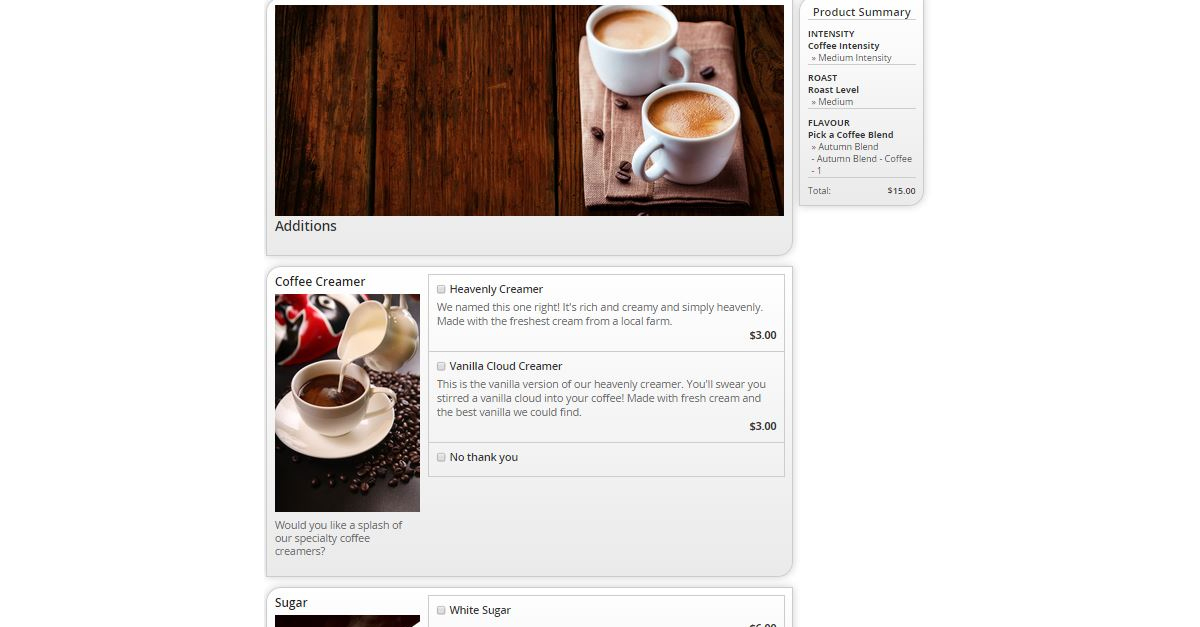
There is huge value to adding an integrated product configurator to your webshop. From guiding customers to informed decisions, streamlining complex “build your own” type products, and incorporating upsell and cross sell seamlessly, Configurator has features that mesh this unique selling process with the rest of your website. This includes integration with your NAV items and attributes and showing the details of the configured item in the shopping cart. But what how does it fit with your design? Branding is important in creating recognition and cohesiveness with your company’s values. In Nav-to-Net™, this can be done with design customizations or even customer-managed stylesheets. With our Configurator add-on, there are different ways of customizing look and feel to create just the right look and feel.
Displaying Options
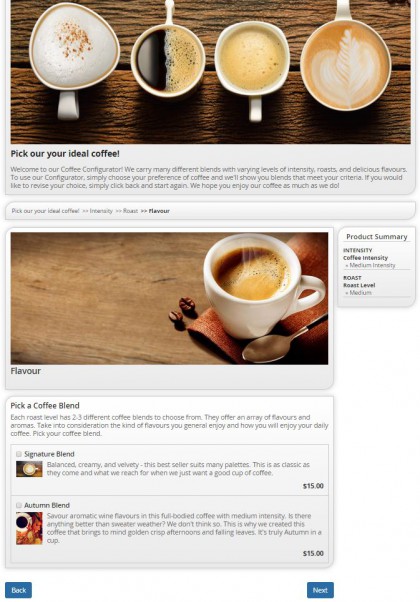
Ensuring you include the right content can be a struggle, but also presenting it correctly adds an additional challenge. The content and how it’s presented must be done in a way to achieve maximum impact on your customer. Depending on what you’re selling, you may find that certain layouts work better than others. Configurator offers Tile, List, Stack Tile, and Stack List as ways you can present basic options.
If you were selling customized lip balms for example, you may want to present flavour options in a checklist format which allows customers to choose more than one, creating their own custom blend. Drop down menus work particularly well for a large amount of options, making it easy for customers to navigate and choose their desired feature.
Sometimes the option is not one a customer chooses from a list but requires their own input. Custom user input, whether it be text, numbers, or email format just to name a few, can streamline the creation of customized products. From putting a customer’s own text on their T-shirt or a dedicated message engraved on some jewelry, the options are endless.
Integrated with NAV
Important to guided selling within your website is the integration of NAV items and attributes and corresponding prices. Configurator is also comes with in-NAV content and image management – at every step and level – with WYSIWYG editing. Part of look and feel is seeing how the content is displayed. With the MLTB (Multi-Line Text Box Tool) and document management tools, you can control exactly which part to adapt and see the changes take place in real-time.
AThemes in Configuratordd Your Heading Text Here
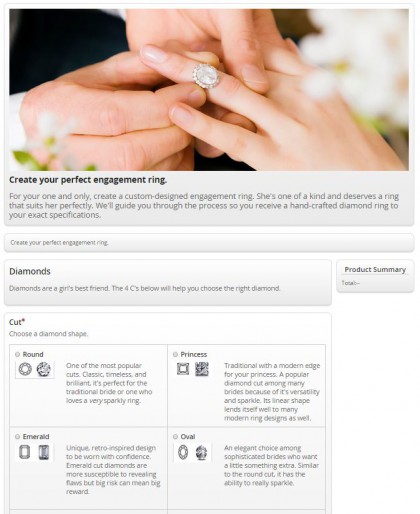
Configurator comes with a theme engine for customizable looks that apply to the whole configurator. You can create any combination of rounded edges (left, right, all), gradients, and more or use pre-made themes. For example, the stitch theme gives a whimsical feel while the elegant theme is understated but quietly luxurious. You can also contact DVP for options for even more customizations, tailored to your exact needs.
See our VIDEO here for more on how look and feel is managed with Configurator.
Additional videos available here.
Cohesive Customer Experiences
Looks certainly aren’t everything when it comes to an eCommerce website, but the design and overall look and feel contributes to how your business is perceived and recognized. Design also helps with overall usability, helping customers find what they want, get information quickly, and move through the shopping process smoothly. Cohesiveness and consistency is key to really making it memorable to your customers. These features in Configurator will help create an engaging as well as stylish customer shopping experience.
Demo Video for Nav-to-Net™ | Join a Webinar | More Information about Configurator